
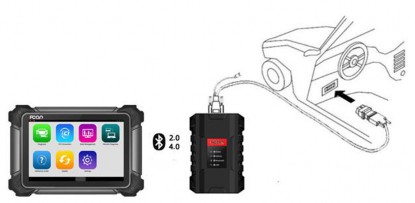
Step 1: To get started, attach the VCI case to the OBD-II connector and plug the OBD-II connector into the OBD socket in the car. Turn on the FCAR diagnostic tool and connect it to the VCI via bluetooth.
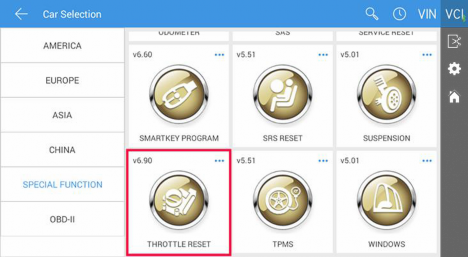
Step 2: Enter “Diagnosis”. Locate and select “Throttle Reset” in the “Special Function” category.
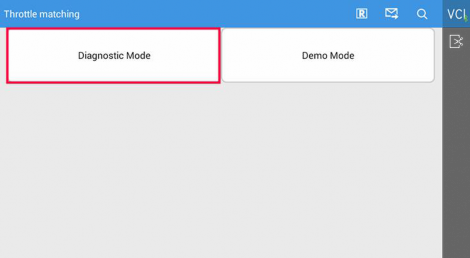
Step 3: Select “Diagnostic Mode”.
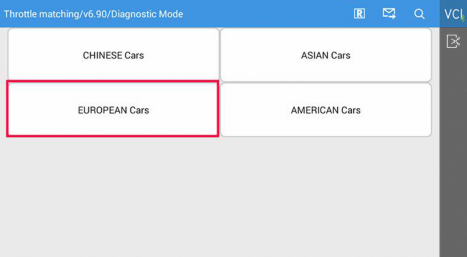
Step 4: Select “European Cars”.
Step 5: Select “VW” or “SKODA” depending on your situation.
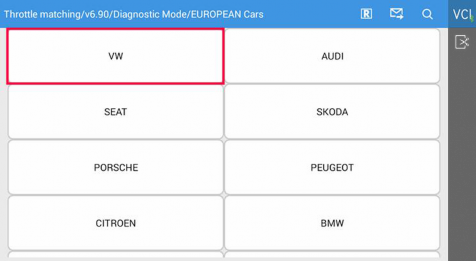
Step 6: Select “Start”.

Step 7: Observe the instructions before clicking “OK”.
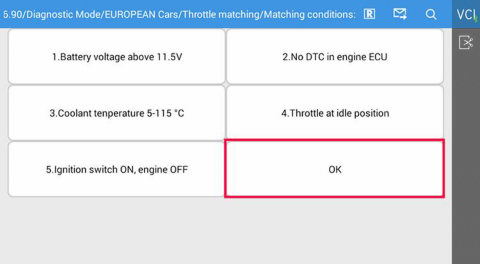
Step 8: Select “Throttle Matching”.
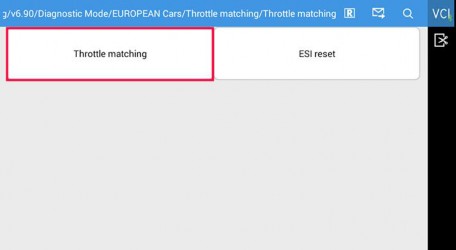
Step 9: Select “Reset”.
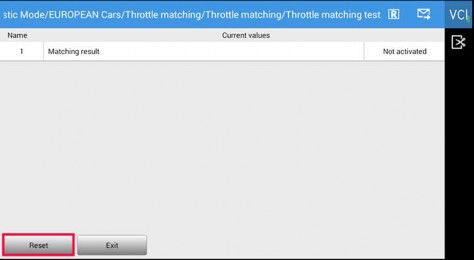
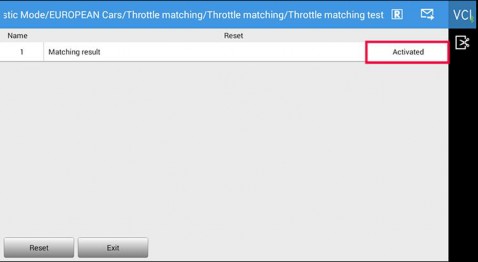
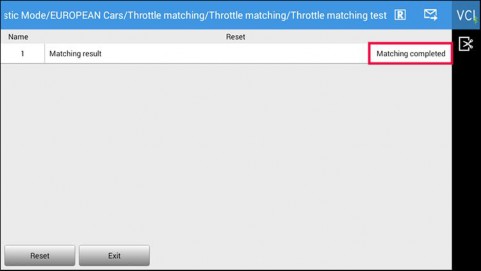
Step 10: Wait for the matching to be activated and completed.
Step 12: After the operation is completed, please restart the vehicle to make sure the idle speed function works alright.