
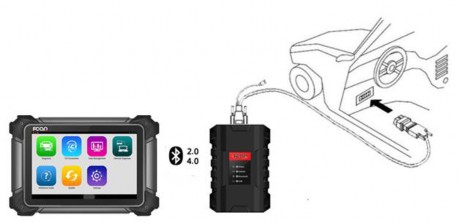
Step 1: To get started, attach the VCI case to the OBD-II connector and plug the OBD-II connector into the OBD socket in the car. Turn on the FCAR diagnostic tool and connect it to the VCI via bluetooth .
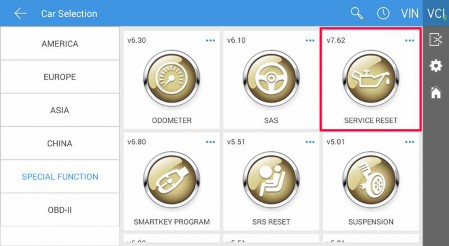
Step 2: Enter “Diagnosis”. Locate and select “Service Reset” in the “Special Function” category.
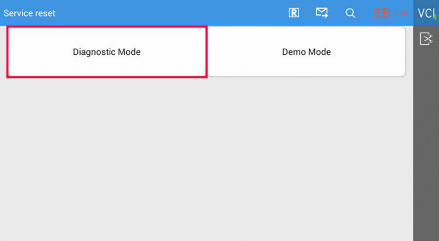
Step 3: Select “Diagnostic Mode”.
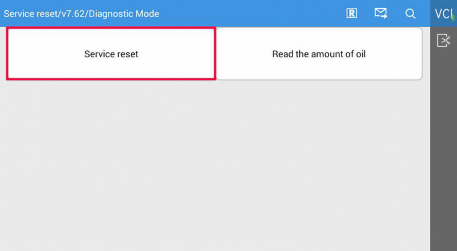
Step 4: Select “Service Reset”.
Step 5: Select “European Cars”.
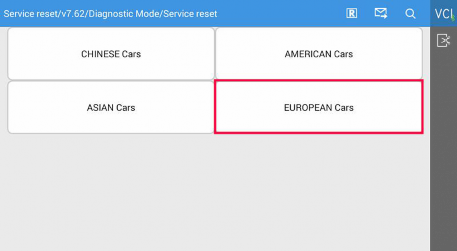
Step 6: Select “Jaguar”.

Step 7: Select “Automatic Reset”.
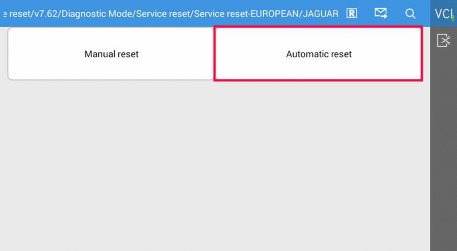
Step 8: Select “XF”.
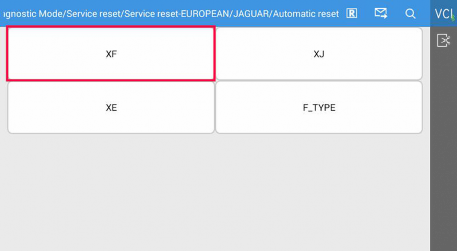
Step 9: Select “Type 1”.
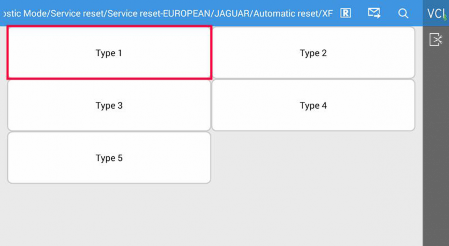
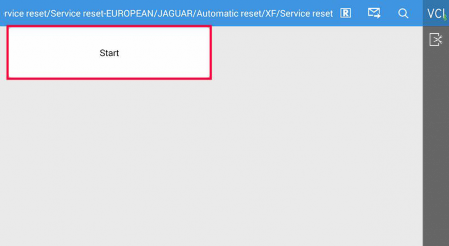
Step 10: Click “Start”.
Step 11: After the service reset has been completed, please follow the instructions below.
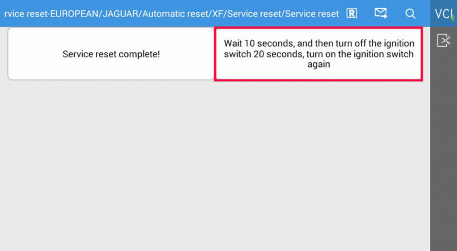
Step 12: Please restart the ignition to make sure the service light on the instrument panel has been cleared.